What's New in Build 4049
Pointer Lock, Instant Load Popups, VST 3 Factory Presets, Auto-homing Sliders, Knob and Slider Value Tooltips, Customizing the Status Panel and more...

Pointer Lock, Instant Load Popups, VST 3 Factory Presets, Auto-homing Sliders, Knob and Slider Value Tooltips, Customizing the Status Panel and more...

Auto-open plugins, media file reload command, plugin & rack usage reports, new variables, VST 3 improvements, and more
LEDs
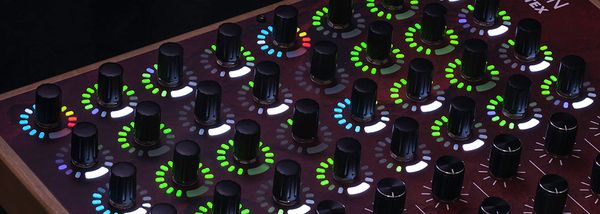
Cantabile now supports bi-directional bindings making it easy to setup control surfaces with motorized faders and LED rings.
MIDI
This post takes a deep dive into Cantabile's ability to synthesize and send complex MIDI System Exclusive messages from a binding. The idea for this post came from a question from Cantabile user Dave Dore about sending reverb parameter change messages to a Roland RD-2000 Stage Piano. The
Tempo
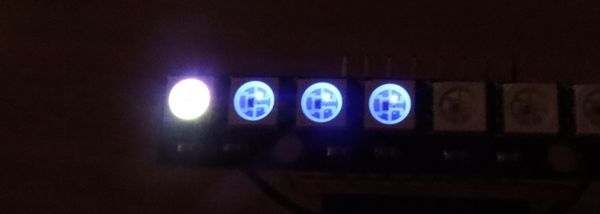
Using Cantabile's new "Tempo LEDs" binding to build an Arduino based tempo indicator or flasher.
GUI
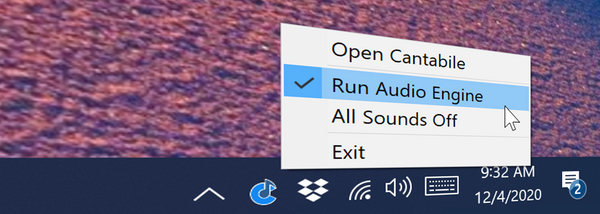
Cantabile now supports displaying a system tray icon and minimizing to the system tray: By default, the system tray icon is disabled. To enable it, just go to Tools → Options → General → User Interface where you'll find two new options: * Show System Tray Icon - enables the tray icon
hidpi
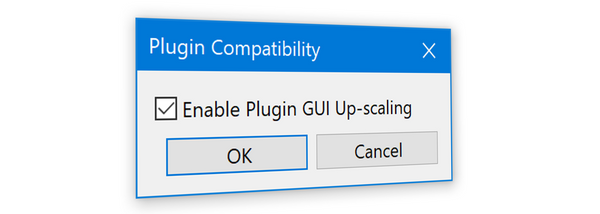
Explains how to get crisp hi-DPI GUI's for plugins that support it.

Cantabile build 3650 introduces over 20 new features! Check out the video walk-through of everything that's changed.

translation
This video walk-through shows how to install and activate Cantabile language translation files.

VST3
It's been a long time coming, but Cantabile now supports VST 3 plugins!
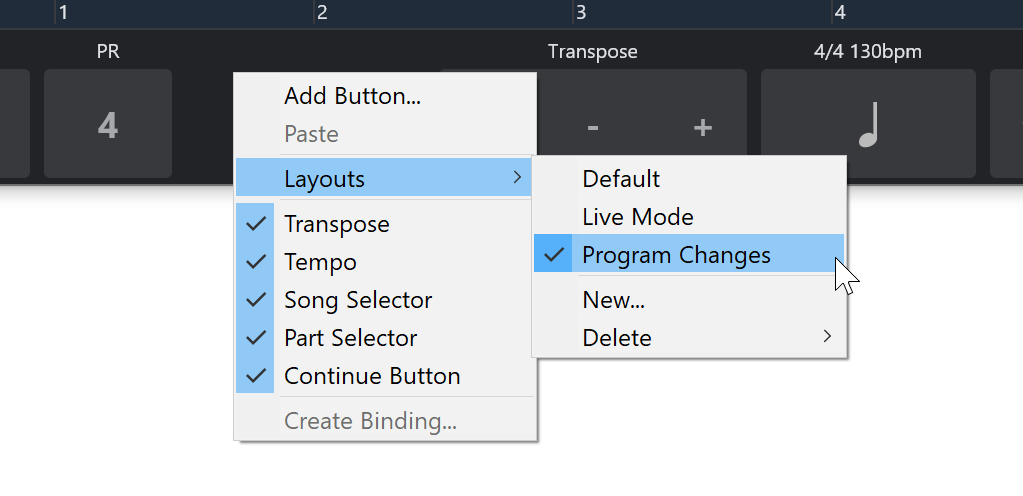
Cantabile's controller bar now (as of build 3591) supports multiple layouts, where each layout stores the set of custom buttons you've configured as well as the visibility of the built-in buttons. Working with layouts is pretty easy, just use the Layouts menu in the right click
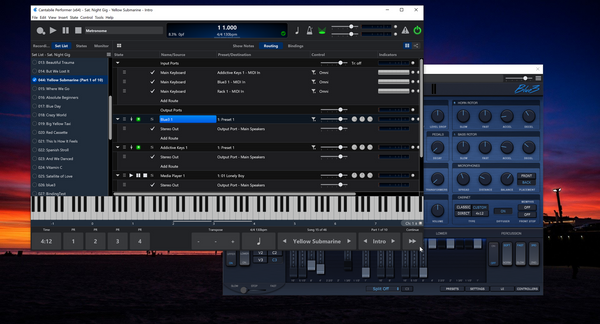
Today's build of Cantabile (3591) introduces "Detached" plugin editors, which is the ability for a plugin editor to go behind Cantabile's main window. In previous builds, plugins always appeared on top of Cantabile's main window. While this helps prevent losing a plugin