MIDI File Player Synchronisation
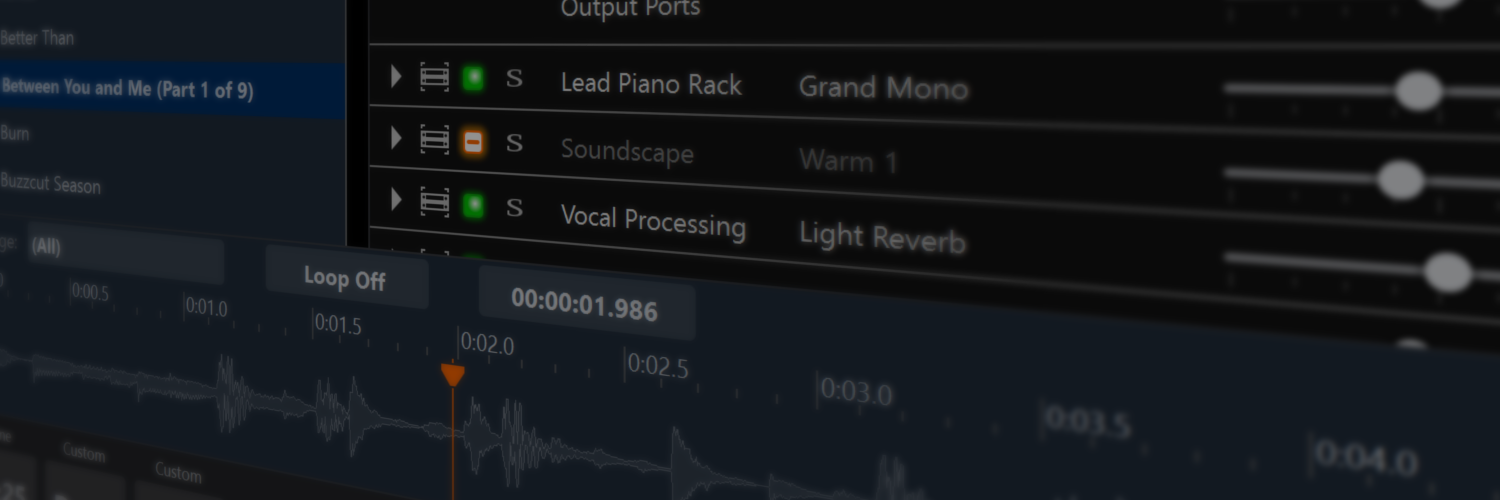
This has taken a while to get right, but synchronisation of MIDI file playback with the metronome is now working correctly. There's been a number of changes:
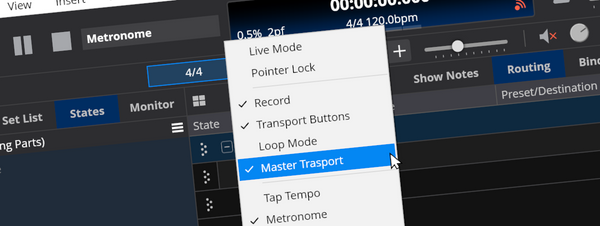
- The file player now is now either the master, synced or unsynced. When synced, there's a number of different ways playback can be synchronised which is controlled through a set of options (see below).
- When synced, the file player's pause button is disabled - it makes no sense.
- When synced, the play and stop buttons are disabled if the master transport is stopped.
- When synced, you can still select a play/loop range but you can't set the current position within that range - that's controlled by the sync options.
- When synced and stopped, the file player doesn't show the play position (red) cursor.


Synchronisation modes is where things get interesting. The following options are available:
- Don't synchronise timing, use file's internal timing - this effectively disables timing synchronisation. Useful only if you a file to start playback with the master transport, but not synchronise its timing. I might remove this later when I properly do triggers for starting playback.
- Doing nothing (maintain off-beat timing only) - this starts playback immediately, maintains time with the master but doesn't synchronise to a specific point in it. In other words if you start playback half a beat off, everything will be played half a beat off.
- Jumping to the correct position in the current beat - starts playback immediately, but skips forward to synchronise with the current beat. If you start playback half way through the current beat, playback will start half a beat after the start position.
- Jumping to the correct position in the current bar - similar to above but for the current bar. eg: say you start playback on the 3rd beat, playback will start immediately from three beats in.
- Jumping to the correct position in the current loop cycle - similar to the previous two options but synchronises as if the selected loop range had been looping since the start of the piece.
- Waiting for the next beat - this option delays playback until the very next beat.
- Waiting for the next bar - delays playback until the start of the next bar.
- Waiting for the next loop cycle - delays playback until the point where the next loop cycle would start.
- Following the current position of the master - tracks the master's play position, disabling local loop ranges.
The Override Tempo setting allows specifying a tempo other than that specified by the MIDI file itself and is used when the MIDI file is the master. For SMPTE encoded MIDI files and audio files, this setting will be used to specify the tempo to use when syncing.
And finally, the Start Playback with Master Transport option causes playback to start automatically when the master transport is started.
These changes aside, there's been about thousand bugs and tweaks I've had to iron out to get this all working smoothly. I've also cleaned up and simplified the MIDI file player's code base considerably.
Now that MIDI files can be synced to the metronome, next is the ability to sync the metronome with an external MIDI clock.
Posted on June 10, 2008
Share This