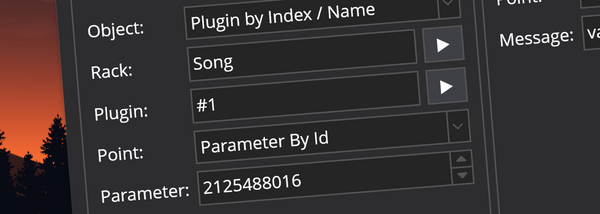
plugin Binding to Plugin Parameters by Id and Index Cantabile now includes two new plugin binding points: "Parameter by index" and "Parameter by id". This post explains their differences.
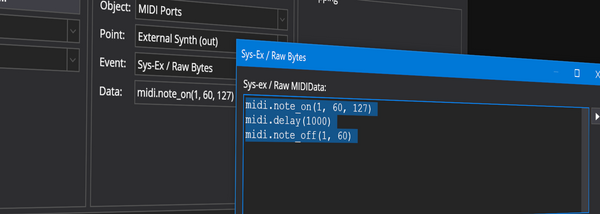
MIDI Improvements to Sys-Ex / Raw MIDI Send Cantabile now supports helper functions for generating raw MIDI data and a new ability to insert delays in generated MIDI.
MIDI The Onscreen Keyboard Device Binding Target Cantabile Performer now supports a new target binding point the "Onscreen Keyboard Device". What is it and how is it different to the Onscreen Keyboard ports?
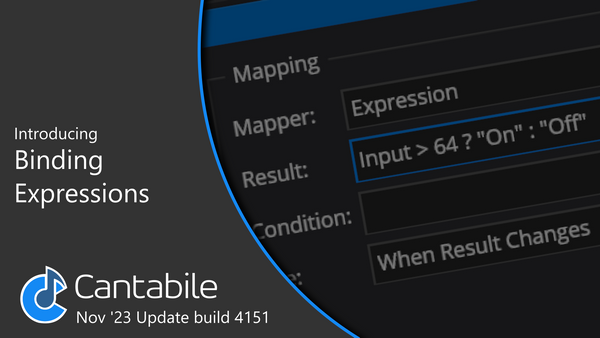
Introducing Binding Expressions Binding expressions are a new, advanced way to create mappings between source and target binding points. The let you use mathematical and logical expressions to control not only the value
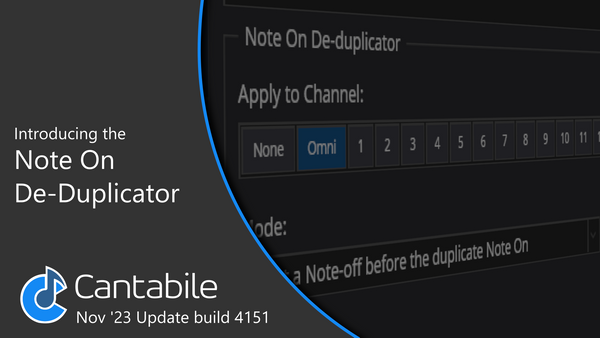
Introducing the Note-On De-duplicator MIDI Filter Cantabile's new note-on de-duplicator MIDI filter lets you use synths that would normally get stuck notes with so called "triple sensor" keyboards.
Changes to State Management in build 4151 Cantabile build 4151 makes some changes to the way states are handled. The changes are subtle and you might not even notice the difference but this videos explains what's changed.
Overview of improvements to Cantabile's Routing Diagrams Covers a number of changes and improvements to routing diagrams in Cantabile build 4150.
Introducing Rack Comments in Cantabile Rack comments and tooltips let you document your utility racks to make them easier for others to use.
MIDI Handling Changes in Cantabile build 4150 Covers several new features in MIDI handling in Cantabile build 4150.
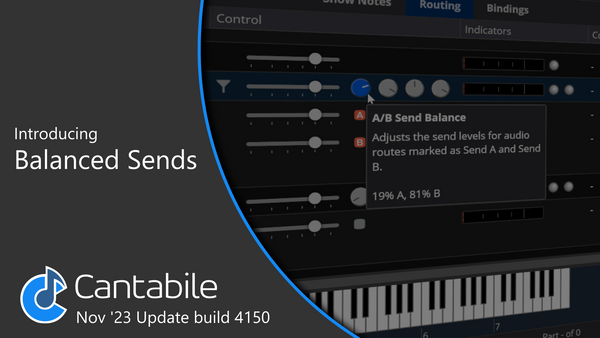
Introducing Balanced Sends in Cantabile Balanced sends are a new more flexible mechanism for adjusting route send levels. They can be used for more advanced wet/dry mixing or for adjusting the mix levels or
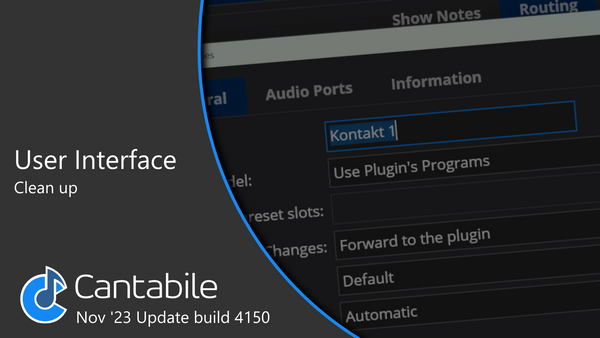
Cantabile User Interface Changes Lost a setting in Cantabile? It's probably been moved as a part of the user interface clean up in build 4150. This video covers what's changed and why.
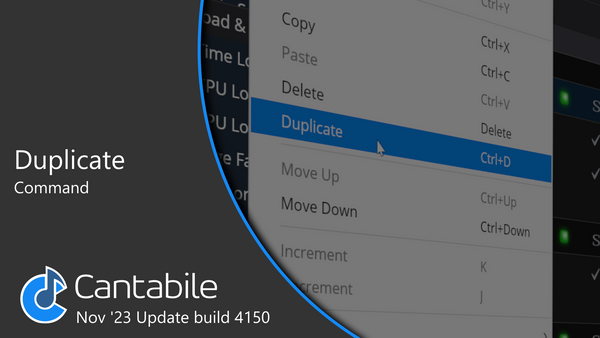
Introducing Cantabile's New Duplicate Command Cantabile's new Duplicate command does exactly what you think, but there's a couple of advantages over Copy/Paste.
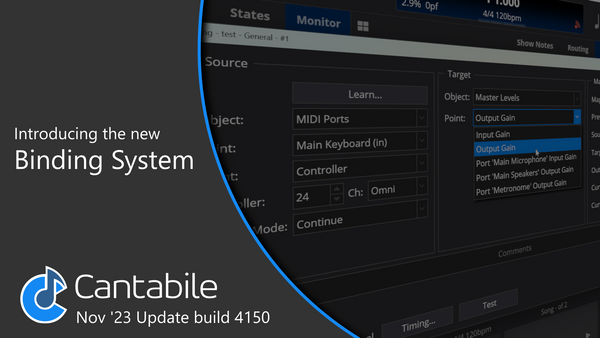
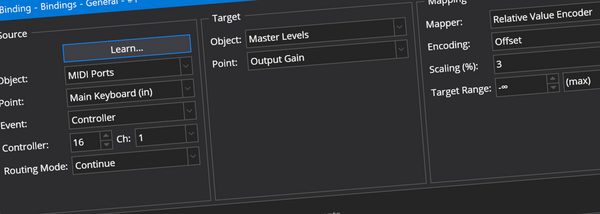
Introducing Cantabile's New Binding System A quick overview of the new binding system introduced in Cantabile build 4100.
Bidi New Bindings System It’s finally here! A new version of Cantabile is now available that includes a complete reworking of the Binding system.
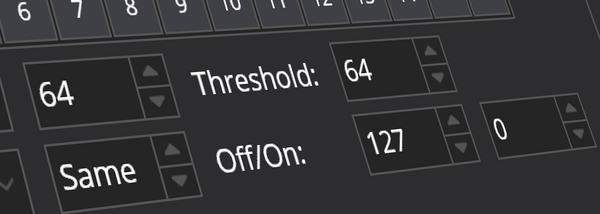
MIDI Controller To Switch MIDI Filter Cantabile's new MIDI filter that maps a continuous controller to a switch style controller.
Re-engineering Cantabile's Bindings Framework Cantabile's bindings framework has outgrown its original design. It's time to re-engineer it.
What's New in Build 4049 Pointer Lock, Instant Load Popups, VST 3 Factory Presets, Auto-homing Sliders, Knob and Slider Value Tooltips, Customizing the Status Panel and more...
Build 3687 Auto-open plugins, media file reload command, plugin & rack usage reports, new variables, VST 3 improvements, and more
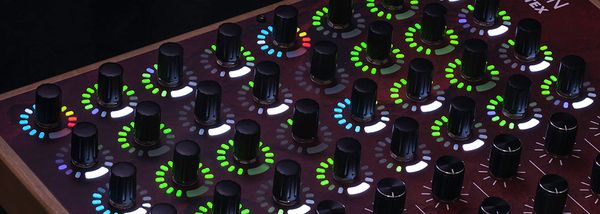
LEDs Bi-Directional Bindings Cantabile now supports bi-directional bindings making it easy to setup control surfaces with motorized faders and LED rings.
MIDI Generating Sys-Ex Messages This post takes a deep dive into Cantabile's ability to synthesize and send complex MIDI System Exclusive messages from a binding. The idea for this post came from a question
Tempo Adding a Hardware LED Tempo Indicator to Your Cantabile Rig Using Cantabile's new "Tempo LEDs" binding to build an Arduino based tempo indicator or flasher.
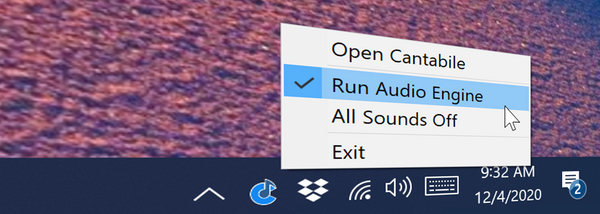
GUI System Tray Icon Support Cantabile now supports displaying a system tray icon and minimizing to the system tray: By default, the system tray icon is disabled. To enable it, just go to Tools → Options
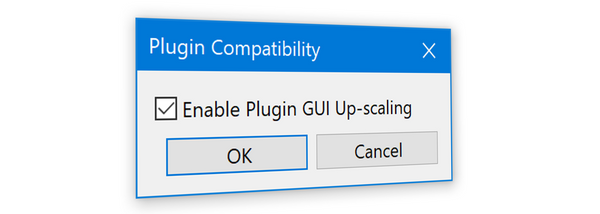
hidpi Controlling Plugin GUI Upscaling Explains how to get crisp hi-DPI GUI's for plugins that support it.
20+ New Features Available Now! Cantabile build 3650 introduces over 20 new features! Check out the video walk-through of everything that's changed.
translation Installing Cantabile Language Files This video walk-through shows how to install and activate Cantabile language translation files.